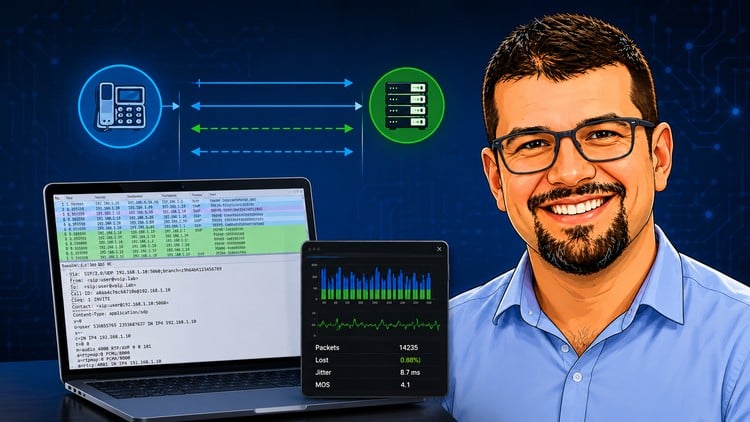
Analyze SIP, RTP, TLS and Troubleshoot with Wireshark, SNGREP, TCPDUMP and Homer
What You Will Learn:
- By the end of this course, students will be able to:
- Understand how Session Initiation Protocol works in a real VoIP environments
- Analyze SIP call flows using Wireshark, SNGREP and Homer
- Install and use TCPDUMP, SNGREP and Homer
- Understand SIP dialogs, transactions, response codes and SDP
- Analyze RTP streams and identify media-related issues
- Identify NAT and SIP ALG related issues
- Analyze jitter, packet loss and RTCP statistics
- Show more
An Honest Take on the SIP Analyzing & Troubleshooting Masterclass
If you have spent any significant time in the world of Voice over IP (VoIP) or Unified Communications, you know that the “magic” of a phone call is actually a fragile dance of protocols. When that dance fails, you’re usually the one stuck in the trenches at 2:00 AM trying to figure out why a SIP trunk is dropping or why a CEO has one-way audio. I recently went through the SIP Analyzing & Troubleshooting Masterclass, and I wanted to share why this is more than just another video series—it’s a deep dive into the guts of modern communication.
Overview: Beyond the Surface of Packet Captures
Most “beginner” courses stop at telling you what a 200 OK message is. This masterclass, however, takes an aggressive beginner to advanced approach by forcing you to look under the hood. The reality of the industry today is that we aren’t just dealing with simple desk phones; we are managing complex Cloud Communications environments where NAT (Network Address Translation) and SIP ALG are constantly trying to break our signaling.
What I appreciated most was the focus on the “why.” It’s one thing to see a packet; it’s another to understand the state machine of a SIP transaction versus a SIP dialog. The course doesn’t just show you how to use a tool; it teaches you how to think like a protocol analyst. It bridges the gap between theoretical knowledge and job-ready skills by simulating the exact chaos you’ll find in a production environment. Whether you are prepping for certification prep like the SSCA or just trying to survive your first week as a VoIP Engineer, this content is foundational.
Prerequisites
You don’t need to be a coding wizard, but you shouldn’t be walking in completely green. To get the most out of the hands-on labs, you should have:
- A basic grasp of the OSI model (especially Layers 3, 4, and 7).
- Familiarity with IP addressing and subnetting.
- A working knowledge of how a basic phone call is placed (even if it’s just consumer-level).
- A Linux virtual machine or environment to practice the command-line tools.
Skills & Tools: The Troubleshooter’s Swiss Army Knife
This course leans heavily into industry-standard tools. If you aren’t using these, you aren’t really troubleshooting. The curriculum focuses on:
- Wireshark: The gold standard. You’ll learn how to filter out the noise and use the “Telephony” features to reconstruct streams.
- SNGREP: If you work on Linux-based PBXs like Asterisk or FreePBX, this tool is a life-saver. It provides a visual ncurses interface for SIP flows in real-time.
- TCPDUMP: Essential for capturing traffic on remote servers where a GUI isn’t an option.
- Homer: This is the “big leagues” of observability. Learning how to use a SIP capture server like Homer is a major boost for your career growth, as it’s what large-scale ISPs and enterprises use for 24/7 monitoring.
- SDP (Session Description Protocol): You’ll master how media capabilities are negotiated, which is the secret to fixing those annoying codec mismatch errors.
Career Benefits & Job Roles
The demand for professionals who actually understand SIP and RTP is skyrocketing as companies migrate from legacy PSTN to UCaaS (Unified Communications as a Service). By completing the real-world projects in this course, you’re positioning yourself for several high-paying roles:
- VoIP Engineer: Designing and maintaining complex voice networks.
- Support Engineer (Tier 2/3): Handling escalated tickets that require deep packet analysis.
- Network Security Analyst: Identifying SIP-based attacks and vulnerabilities.
- Systems Administrator: Managing on-prem and cloud-based telephony stacks.
Having these industry-standard tools on your resume isn’t just fluff; it’s a signal to employers that you can handle the “heavy lifting” of network diagnostics.
The Pros
- Hands-on Practicality: This isn’t just a PowerPoint presentation. You actually see how to install TCPDUMP and Homer, which makes the knowledge stick.
- Deep Dive into Media: Most courses ignore RTP, RTCP, and Jitter. This course spends quality time on the media plane, helping you solve “robotic voice” and “choppy audio” issues that drive users crazy.
- NAT/ALG Focus: SIP ALG is the bane of every VoIP pro’s existence. The course provides clear strategies for identifying and bypassing these issues, which is worth the price of admission alone.
The Cons
- Steep Learning Curve for Linux: If you are strictly a Windows user, some of the command-line heavy sections (like setting up SNGREP or Homer) might feel a bit daunting at first. A “Linux 101” primer at the start would have been a nice touch for those coming from a non-CLI background.