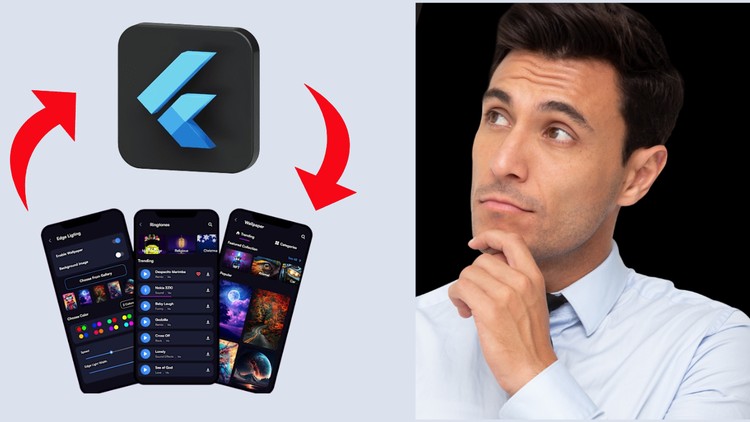
Master Flutter by Building 5 Real-World Applications Step-by-Step – Clean Code for Beginners
What you will learn
Alright, so I recently dove into the ‘4 Days 4 Flutter App Projects From Scratch 2025’ course, and as someone who’s been in the trenches with mobile development for a while, I wanted to give you the unfiltered take. The promise? Mastering Flutter by building five real-world applications from the ground up, with a focus on clean code for beginners. Sounds ambitious, especially for a four-day sprint, so let’s see if it delivered.
Overview
Look, the title is a bit of a mouthful, and honestly, I initially raised an eyebrow at the “5 projects in 4 days” claim. It’s a rapid-fire approach, no doubt about it. But what it aims to do, and I think largely succeeds, is to immerse you in the practical application of Flutter. This isn’t a theoretical deep dive; it’s about getting your hands dirty. They really emphasize building from scratch, which is crucial for understanding the underlying architecture. You’re not just copying and pasting pre-built components; you’re actually constructing them. The ‘clean code’ aspect is also a welcome addition for beginners, as it sets a good foundation for future development and makes debugging a less painful experience. It’s a very hands-on labs style of learning, which is exactly what you need to go from zero to functional app.
Prerequisites
For this course, the prerequisites are pretty standard for a beginner-focused tech program. You’ll need a basic understanding of programming concepts – think variables, loops, conditional statements. No prior Flutter or Dart experience is necessary, which is the whole point. You should also be comfortable with using a computer for development, including installing software and navigating your operating system. Beyond that, a willingness to learn and a decent internet connection for downloading necessary tools and streaming the content are key.
Skills & Tools
By the end of this course, you’ll walk away with a solid understanding of:
- Flutter widgets and how to leverage them for UI construction.
- Implementing effective layouts and ensuring your apps look good on various screen sizes (responsive design).
- The core principles of Dart programming, as it’s the language powering Flutter.
- Practical state management techniques to control the flow and data within your applications.
- Building and integrating interactive features like buttons, forms, and navigation drawers.
The primary tool, of course, is Flutter itself, which you’ll need to install along with its dependencies. You’ll also be using an IDE like VS Code or Android Studio, which are industry-standard tools for mobile development. The course guides you through setting these up, so don’t worry if you’re new to them.
Career Benefits & Job Roles
This course is designed to equip you with job-ready skills right out of the gate. For career growth, the ability to build cross-platform mobile applications efficiently with Flutter is highly sought after. This opens doors to roles like:
- Junior Flutter Developer
- Mobile App Developer (with a focus on cross-platform)
- Frontend Developer (with mobile specialization)
The real-world projects you build will serve as a fantastic addition to your portfolio, making you a more attractive candidate for entry-level positions. It also provides a strong foundation for those looking to eventually pursue more advanced certifications or specialize further in areas like performance optimization or complex state management solutions.
Pros
- Accelerated Learning Curve: The intense four-day structure forces rapid immersion, allowing you to grasp core concepts quickly. It’s like a concentrated boot camp for Flutter.
- Practical, Project-Based Learning: Building five distinct apps means you’re applying what you learn immediately. This hands-on approach is far more effective than passive watching.
- Beginner-Friendly Foundation: The emphasis on clean code and step-by-step guidance makes it accessible for those new to mobile development or even programming.
- Portfolio-Worthy Projects: The “real-world” nature of the applications means you’ll have tangible results to showcase to potential employers.
Cons
If I have to be brutally honest, and you know I will be, the biggest drawback is the sheer pace. While it’s a pro for rapid learning, it can also be a con for true mastery. Four days is a *very* short time to truly internalize everything, especially if you encounter significant debugging challenges. You might feel like you’re rushing through some concepts, and true in-depth understanding of every nuance might require subsequent self-study or further learning. It’s a fantastic introduction and a great way to get started, but don’t expect to be a Flutter guru by the end of day four. Think of it as building a strong, functional scaffolding rather than the fully finished, intricately detailed mansion.