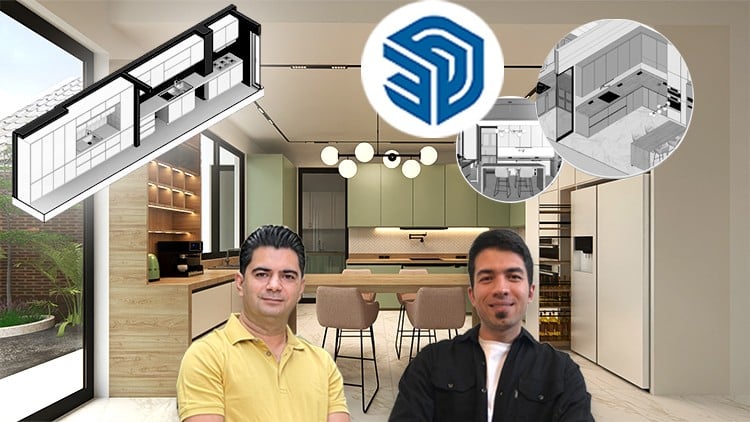
Architectural 3D Modeling, Layout, Rendering, Interior Design, Materials, Woodworking, Styles, Lighting, Color, Objects
⏱️ Length: 1.6 total hours
⭐ 4.78/5 rating
👥 5,471 students
🔄 October 2025 update
Add-On Information:
Note➛ Make sure your 𝐔𝐝𝐞𝐦𝐲 cart has only this course you're going to enroll it now, Remove all other courses from the 𝐔𝐝𝐞𝐦𝐲 cart before Enrolling!
-
Course Overview
- Dive into transforming kitchen concepts into stunning 3D models and photorealistic renders using modern architectural software.
- Master the art of blending aesthetic appeal with practical functionality in highly detailed kitchen environments.
- Explore the iterative design process, moving from initial layout ideas to polished, client-ready visualizations.
- Gain a holistic understanding of how architectural 3D modeling underpins successful interior design projects.
-
Requirements / Prerequisites
- Basic computer literacy and comfort with navigating digital interfaces are fundamental for course engagement.
- An innate curiosity about interior spaces, architectural design, or cabinetry craftsmanship will enrich your learning journey.
- Access to a capable computer system running SketchUp and Lumion (trial versions are adequate) is essential for hands-on practice.
- No prior advanced 3D modeling experience is mandatory, making this course accessible for dedicated beginners.
-
Skills Covered / Tools Used
- Precision Geometry Creation: Develop techniques for constructing highly accurate and detailed kitchen components, ensuring perfect fit and finish.
- Spatial Efficiency Strategies: Learn to intelligently organize kitchen zones for optimal workflow and maximizing storage within various floor plans.
- Custom Material Definition: Acquire expertise in creating bespoke textures and defining material properties to achieve unique and convincing surface realism.
- Advanced Camera Composition: Master cinematic camera angles and depth of field techniques to present your kitchen designs with maximum visual impact.
- Dynamic Light Integration: Understand how to strategically place and control diverse light sources to sculpt atmosphere and highlight design features.
- Render Engine Optimization: Gain insights into Lumion settings to produce stunning visuals quickly and efficiently, balancing quality with rendering time.
- Interoperability Workflow: Learn seamless data exchange between SketchUp and Lumion, establishing a smooth and productive design-to-visualization pipeline.
-
Benefits / Outcomes
- Develop a Powerful Portfolio Piece: Conclude the course with a high-fidelity kitchen render, a compelling asset for showcasing advanced design and visualization skills.
- Accelerated Design-to-Presentation: Establish an efficient workflow that significantly shortens the time from concept development to stunning, client-ready visual presentations.
- Enhanced Visual Communication: Present complex design concepts with unparalleled clarity and realism, fostering better client understanding and collaboration.
- Versatility in Design Problem-Solving: Gain confidence to tackle diverse client needs and unique spatial challenges, creating innovative and functional custom kitchen solutions.
- Boosted Professional Credibility: Acquire a highly sought-after skill set using industry-standard tools, significantly enhancing your value in the interior design and architectural visualization fields.
-
PROS
- Focused Skill Acquisition: The concise 1.6-hour duration is optimized for rapid learning, delivering essential kitchen design and rendering skills without unnecessary filler.
- Direct Industry Relevance: All techniques and software applications taught are directly applicable to professional interior design and architectural visualization practices.
- Proven Learning Effectiveness: Supported by an outstanding 4.78/5 rating from over 5,000 students, validating its high educational value and practical utility.
- Complete Workflow Coverage: Offers a comprehensive pipeline from 3D modeling in SketchUp to photorealistic rendering in Lumion, providing a full skill set.
-
CONS
- The accelerated pace of the course means mastery beyond basic application will necessitate dedicated personal practice and experimentation with the software and design principles.
Learning Tracks: English,Design,Interior Design
Found It Free? Share It Fast!