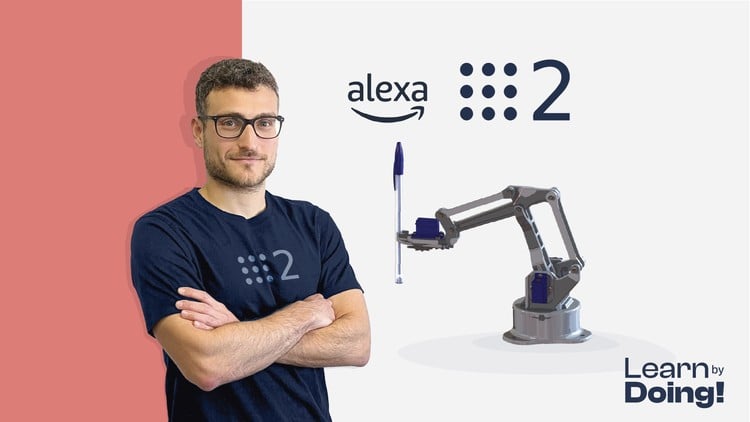
Create a ROS2 Manipulator Robot with Python and C++. Master Robot Control and MoveIt and use Alexa to move your robot
What You Will Learn:
- Create a Real Robot, powered by ROS 2
- Mastering ROS2, the latest version of the Robot Operating System
- Robotics Theory
- Use Alexa to actuate the Robot
- Programming Arduino for Robotics Applications
- Create a Digital Twin
- Simulate the robot in Gazebo
- Robot Kinematics
- Trajectory Planning with MoveIt 2
- Use the ros2_control library
- Show more
Alright, let’s talk about this ‘Robotics and ROS 2 – Learn by Doing! Manipulators’ course. As someone who’s been in the trenches with robotics for a while, I was genuinely curious to see how this one stacked up. The promise of building a functional manipulator with ROS 2, and even integrating something as fun as Alexa control, definitely caught my eye. It’s a bold claim to say you’ll master ROS 2 and MoveIt 2, especially with the complexities involved, but I was ready to put it to the test. This isn’t just about ticking boxes; it’s about building genuinely job-ready skills.
Overview
What sets this course apart, right off the bat, is its relentless focus on practical application. While many courses might dwell on theory for too long, this one throws you into the deep end with hands-on labs almost immediately. The “Learn by Doing” mantra isn’t just a tagline; it’s the core philosophy. Building a digital twin is a fantastic starting point, allowing you to iterate and debug in a safe environment before even thinking about hardware. The integration of Gazebo simulation is crucial here, offering a robust platform for testing. The inclusion of the ros2_control library is a smart move, as it’s rapidly becoming the industry standard for robot hardware abstraction in ROS 2, essential for bridging the gap between simulation and the real world. And let’s be honest, using Alexa to move a robot? That’s not just cool; it’s a surprisingly effective way to demonstrate complex command-line interfaces and high-level control concepts in a relatable way. It also hints at the potential for more advanced human-robot interaction applications, which are definitely hot topics.
Prerequisites
This course is best suited for individuals with a foundational understanding of programming. You’ll need at least a solid grasp of either Python or C++. Basic familiarity with Linux command-line operations is also highly recommended, as ROS 2 is built on a Linux foundation. While they mention “Robotics Theory,” it’s not a deep dive into advanced physics. Think of it as enough theory to understand what your code is actually doing under the hood, particularly when it comes to things like kinematics.
Skills & Tools
- ROS 2 (latest version)
- Python and C++
- Gazebo (for simulation)
- MoveIt 2 (for trajectory planning)
- ros2_control library
- Arduino programming (for hardware interfacing)
- Linux command line
- Kinematics concepts
- Digital Twin creation
- Alexa Skills Kit (for voice control integration)
The emphasis on industry-standard tools like ROS 2 and MoveIt 2 is a huge plus for anyone looking for career growth in this field. These are the tools you’ll encounter in professional robotics development.
Career Benefits & Job Roles
Completing this course will equip you with a strong portfolio of real-world projects. The skills learned are directly applicable to roles such as Robotics Engineer, ROS Developer, Automation Engineer, and Mechatronics Engineer. The ability to program manipulators, implement sophisticated motion planning with MoveIt 2, and interface with hardware via ros2_control are highly sought-after by employers. This kind of practical experience can be a significant differentiator, especially when aiming for roles that might require some level of certification prep.
Pros
- Intensive Hands-On Focus: The “learn by doing” approach ensures you’re not just passively watching lectures. You’re actively building and troubleshooting, which is crucial for retaining knowledge and developing practical skills.
- Comprehensive Toolchain: Covering ROS 2, MoveIt 2, Gazebo, and ros2_control provides a holistic view of the modern robotics development stack. This breadth is invaluable for understanding how different components work together.
- Unique Integrations: The inclusion of Alexa control, while perhaps a bit whimsical, is a brilliant way to make complex concepts accessible and demonstrates the potential for creative robot applications.
- Industry Relevance: The course focuses on tools and libraries that are genuinely used in the industry, making the skills you acquire highly transferable and valuable for job opportunities.
Cons
My only significant gripe, and it’s a honest one, is that while the course covers “Robotics Theory,” it does so at a pace that might feel a bit rushed for absolute beginners to the underlying physics. If you’re coming in with zero background in even basic kinematics or dynamics, you might find yourself needing to supplement with external resources to fully grasp certain concepts, especially during the more involved trajectory planning sections. It’s more of a refresher and applied theory rather than a deep dive into the foundational principles.