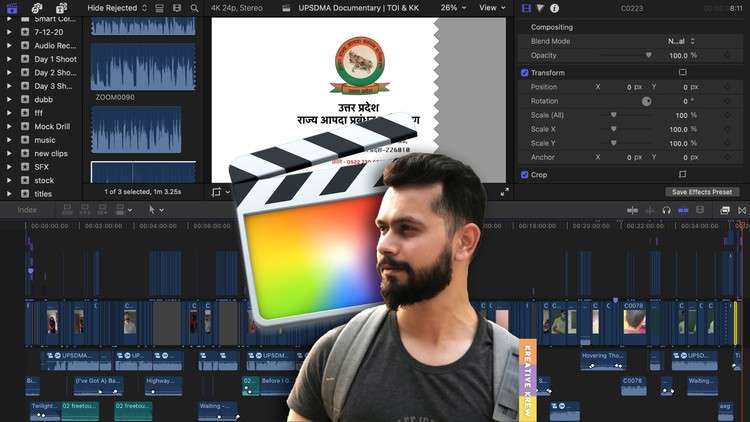
by Award Winning Filmmaker – Ashwin Alok
What you will learn
Getting familiar with Final Cut Pro X
Introduction to Libraries, Events & Projects
Importing Media Files & Revealing Them in Finder
Creating Projects with Different Settings: Tailoring Your Canvas
Working with Media in the Project Timeline & Slow Motion
Introduction to Inspector & Transformation Tools
Video Sequencing, Transitions, Texts, Music, Foley
Colour Correction & Colour Grading
Audio & Video Effects
Video Stabilisation & Noise Reduction
Motion Tracking of Texts
Rendering & Exporting
Conclusion : Unleash Your Creative Potential
Description
Are you eager to dive into video editing and harness the power of Apple’s renowned video editing software, Final Cut Pro X, but feeling overwhelmed by its complexity? Look no further! In this fast-paced and comprehensive course, I’ll take you from a beginner to an intermediate level.
Final Cut Pro X is a professional video editing software used by filmmakers, video editors, and content creators worldwide. This course is designed for anyone who wants to learn the basics of Final Cut Pro X and progress to an intermediate skill level swiftly.
Course Highlights:
- Getting Started with Final Cut Pro X: We’ll begin with the fundamentals, introducing you to the software’s interface, tools, and settings, making you comfortable with the workspace.
- Importing Media: Learn how to import videos, images, and audio into Final Cut Pro X. We’ll cover the essential organisation techniques for media files.
- Basic Video Editing: Master the art of cutting, trimming, and rearranging clips to create a seamless and engaging video.
- Enhancing Your Video: Discover how to apply transitions, text overlays, and effects to add flair to your video projects.
- Audio Editing: Explore audio enhancement and manipulation techniques, including adding background music, adjusting audio levels, and applying audio effects.
- Colour Correction and Grading: Learn the basics of colour correction and grading to make your videos look more professional and visually appealing.
- Exporting Your Project: Understand the various export settings and options to ensure your video is ready for sharing on different platforms.
- Workflow Tips and Shortcuts: Throughout the course, we’ll share valuable workflow tips and keyboard shortcuts to boost your productivity.
By the end of this course, you’ll be equipped with the knowledge and skills to confidently use Final Cut Pro X for your video editing projects. Whether you’re an aspiring filmmaker, a content creator, or a video enthusiast, this course will empower you to create stunning videos. Get ready to bring your video editing skills to the next level!
Content